Update the Addon
Multi-User has a built-in auto-update function in its preferences.
Auto-Update
Enable it by clicking ‘Auto-check for Update’ and choose the frequency you’d like.
Make sure to click the three bars in the bottom-left, and save this to your preferences
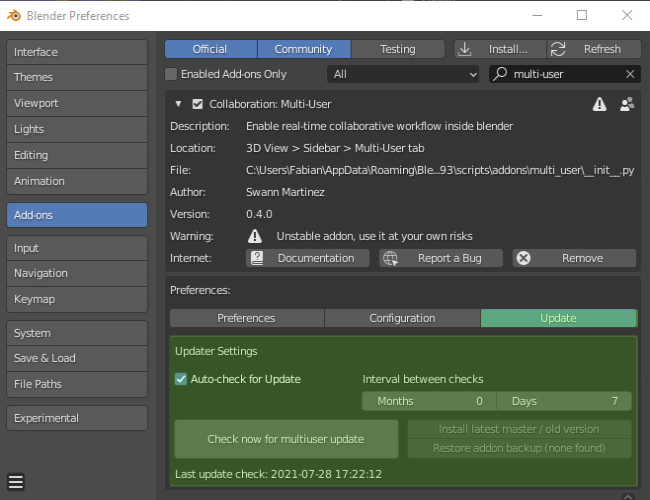
Update menu in the addon preferences pannel
Manual Update
Sometimes you’d like to perform manual update, or even side-grade or rollback your multi-user version. Perhaps you are trying out new features from the ‘develop’ branch in a test session.
Click on ‘Check now for multiuser update’. Multi-user will now find new versions
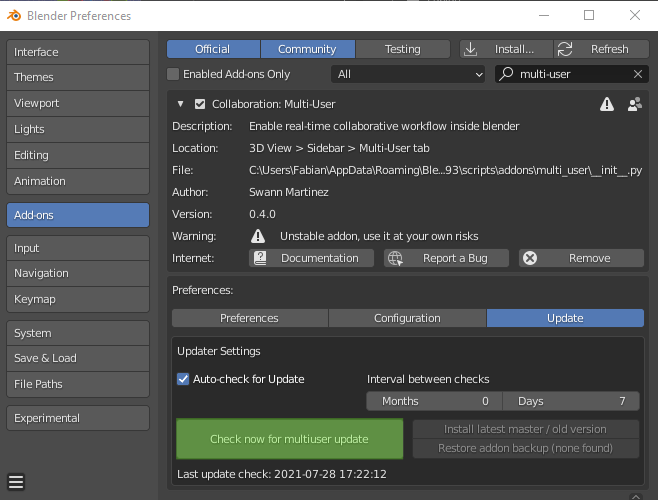
Check for updates
Select ‘Install latest master / old version’
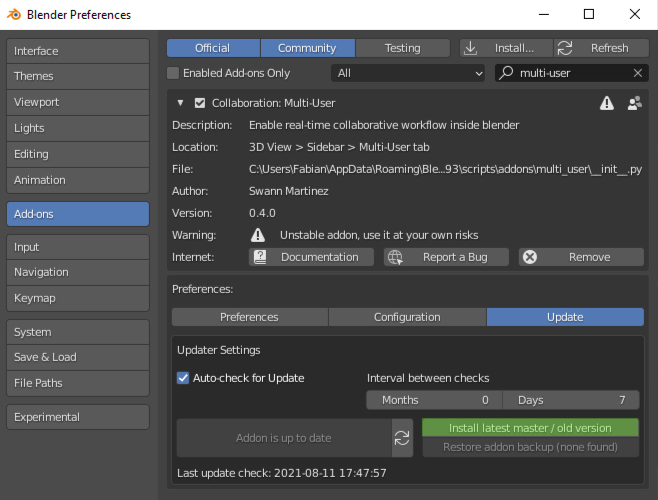
Install
In most cases, select ‘master’ branch for the latest stable release. The unstable ‘develop’ branch and older releases are available
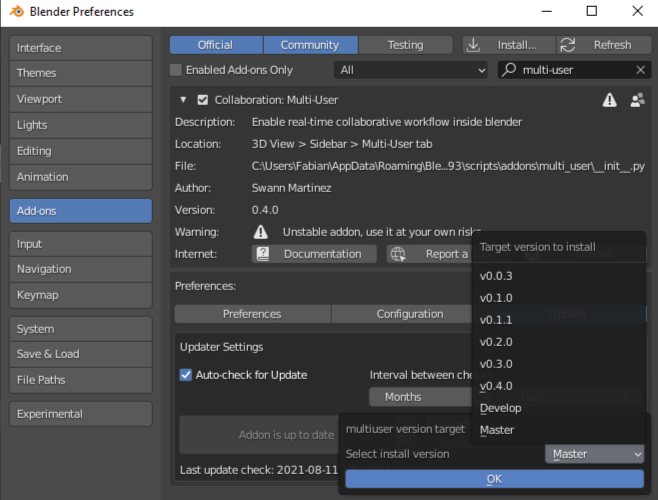
Select version
Finally, restart blender to use the updated version
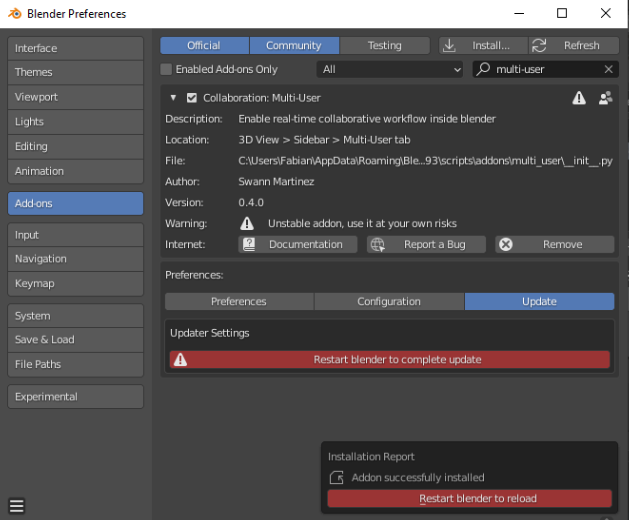
Restart blender